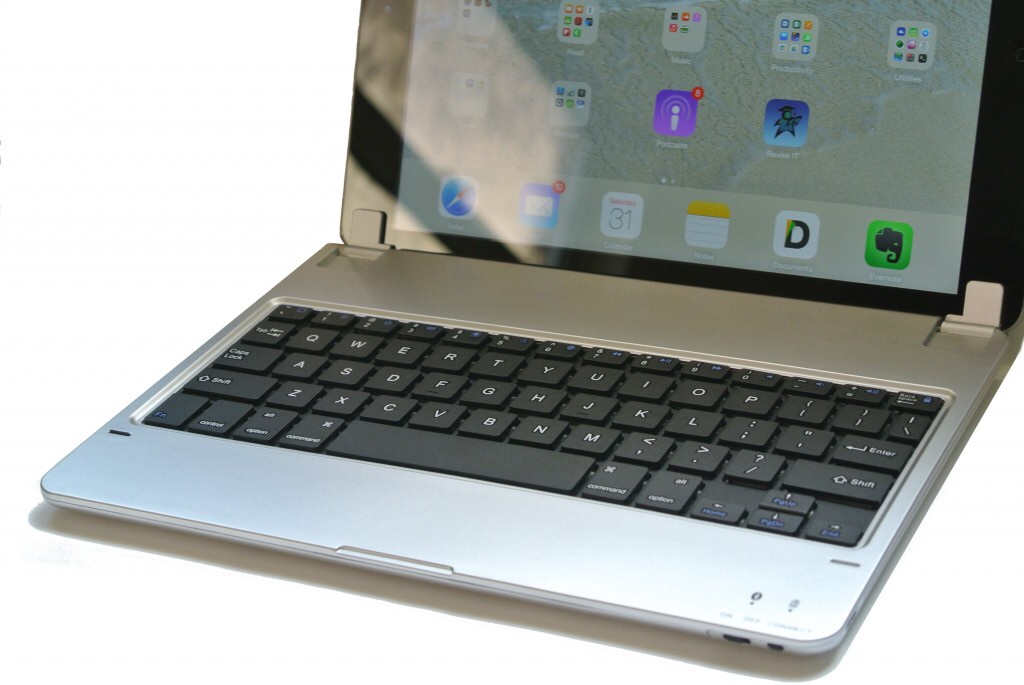
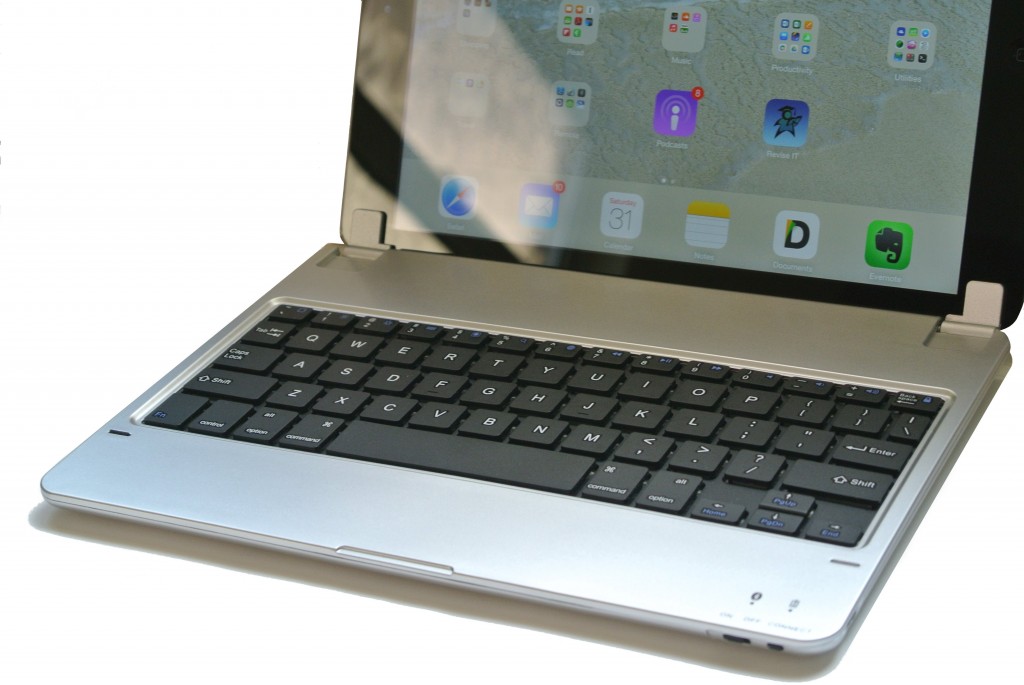
I’ve been using the iPad Air Hinged Bluetooth Keyboard for a few days now and thought I’d write a quick review. As is standard for this kind of thing I’m actually writing the review on the keyboard itself as it serves as a decent reminder of how the keyboard looks and feels.
Looks Good
First off I must admit that the hinged keyboard actually looks a bit better than the far more expensive Zagg Keys Folio that I’ve used extensively. By holding the iPad in a hinge the iPad is not protected whilst in use but you get to enjoy the aesthetics of your iPad Air. It turns your beloved iPad Air into an ultra-book type device.
Decent Layout
The iPad Air Hinged Bluetooth Keyboard has a decent layout. The keys are a reasonable size – similar to a netbook – and priority is given over to the QWERTY part. Numbers and function keys are all present but these are pretty small. So if you are expecting to do a lot of spreadsheet work with this then you might want to look elsewhere.
All keys are the island chiclet style which makes the keyboard a bit easier to use and you can fell the gaps when typing.
There are dedicated arrow keys, so if you are used to using key combinations such as select and and arrow key to highlight text then you are in luck.
Typing is Good if not Great
As mentioned above the layout of the keyboard is good and the keys feel well made. There is a bit of bounce to the keyboard which looks worse than it feels. This is the main area of weakness for the Hinged Bluetooth Keyboard and may be somewhat off putting to those that wish to write a manuscript on the keyboard.
In use you quickly become accustomed to the slight bounce. The key press action is solid so this does go quite some way to improving the experience.
Doesn’t Topple
When used as a stand the iPad Air Hinged Bluetooth Keyboard performs remarkable well. The hinge is designed so that the weight of the iPad doesn’t topple the whole unit. In comparison to the Zagg Keys Folio this is a bit of a coupe as once fully extended that does make the whole setup a little unstable.
Converts Easily
Owning an iPad Air and only using it with a keyboard seems a bit daft to me. So being able to take your iPad out easily and use as a tablet is top on my priority list. The way that the hinge holds the iPad lends itself very well to this type of use. Again, compared to the Zagg Keys Folio it is a little bit better as they easily pull apart and can be put back together.
Excellent Value
Where the iPad Air Hinged Bluetooth Keyboard excels in the value for money stakes. At £20 including UK delivery you get access to a rather capable device. The Lithium Ion battery life is good (should be good for an average month) and it looks more expensive than it is. Sure, the Chrome plastic finish might not last as long as some of the competition but by the time that starts to wear you can always get a new one and still be quids in.
Packaging Could be Better
One last thing to say about the iPad Air Bluetooth Hinged Keyboard is that the packaging isn’t of the highest quality. This is purely functional and obviously designed by someone with English as a second language (or at least I hope it is). Don’t let that put you off though as that quickly gets discarded.
No Responses