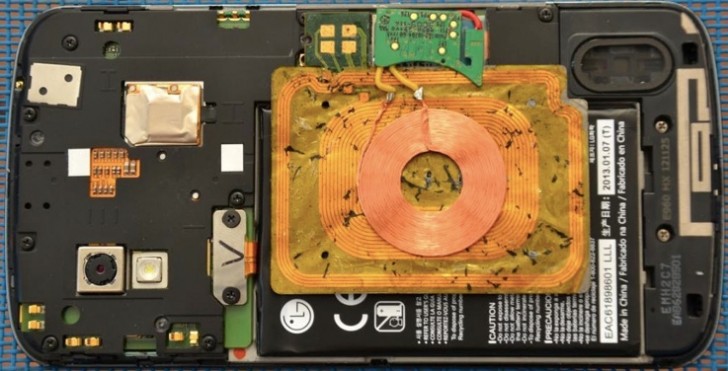
Here’s why Nexus 4 phones do not natively support On The Go (OTG) Cables.
Hardware Support
For the Nexus 4 to be able to support USB devices they need to be cable of delivering 5V power supply. The Nexus 4 doesn’t have this capability so instead of delivering a poor experience where mice, keyboards and USB sticks do not work Google / LG decided to disable the OTG functionality in the versions of Android built for the Nexus 4 devices.
Kernel Support
The Kernel at the heart of the Android operating system acting as a bridge between the hardware and the software. Google has disabled OTG kernel support for OTG therefore making it impossible to enable with the supplied stock OS.
Is there anything I can do about this?
There are works around available for enabling OTG but these will require you rooting your device, patching the Kernel with one that support OTG and then providing external power (a battery pack should do it) to what you want to connect.
Alternatively you could purchase bluetooth or wireless enabled devices to achieve a similar functionality. Fortunately bluetooth keyboards and mice work well with the Nexus 4 so I’d suggest looking at using them before hacking your phone to do something it’s not supposed to.
2 Responses
But surely they could have left OTG capability in, but put a ‘Disable’ on any power usage (like the iPad says ‘Cannot provide power to Device’ if you try the same thing), so we could use a Powered Hub and not drain the phone’s supply?
I can see your point from a competent user perspective. But from a manufacturers perspective I guess it is better to disable a feature that barely works than deal with issues arising from people with fewer skills and understanding than you.