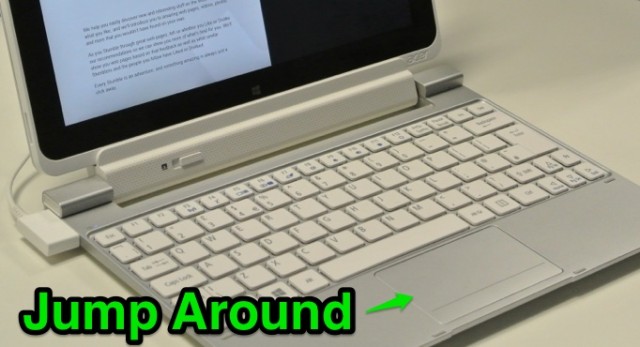
I’ve used a few Acer Iconia W510 tablets with keyboard dock and found that the trackpad jumps around a lot.
After you’ve used the trackpad for a few hours you will also no doubt notice how erratic this can be. After a short amount of Google research it appears that this is a bit of a design flaw with the product and may be as a result of built up static under the trackpad surface.
Either way the jumpiness of the trackpad makes it awkward to use with spreadsheets (where you need this kind of fine control) and whilst I like most other things about this device, I’m disappointed that the W510 doesn’t behave itself properly.
I’m going to try experimenting to see if I can come up with some way to prevent the jump around issue without having to take the keyboard dock apart.
If you are experiencing the same type of problem please drop a comment below and let us know if this bothers you or not.
3 Responses
please fix this!!! I am having problems like this with my iconia w510 as well
I have this touchpad problem too, how could I fix it?
I’m not sure there is a fix, I think your best bet is to get a Bluetooth mouse and use that.