
Running Pages, Numbers and Keynote from iCloud in Your Browser has recently become a more complete experience. A while ago I wrote a post about running these on a Chromebook. The whole experince has been polished since this post and whilst I no longer have a Chromebook to test these on, I would expect things have improved since the original post. Getting access to your Apple files wherever you are with your device – with an internet connection has never been better.
How To Access Pages, Numbers and Keynote
To access Pages, Numbers, and Keynote through iCloud:
- Open a web browser and go to iCloud.com.
- Sign in with your Apple ID and password.
- Click on the app icons for Pages, Numbers, or Keynote to launch the web version of the app.
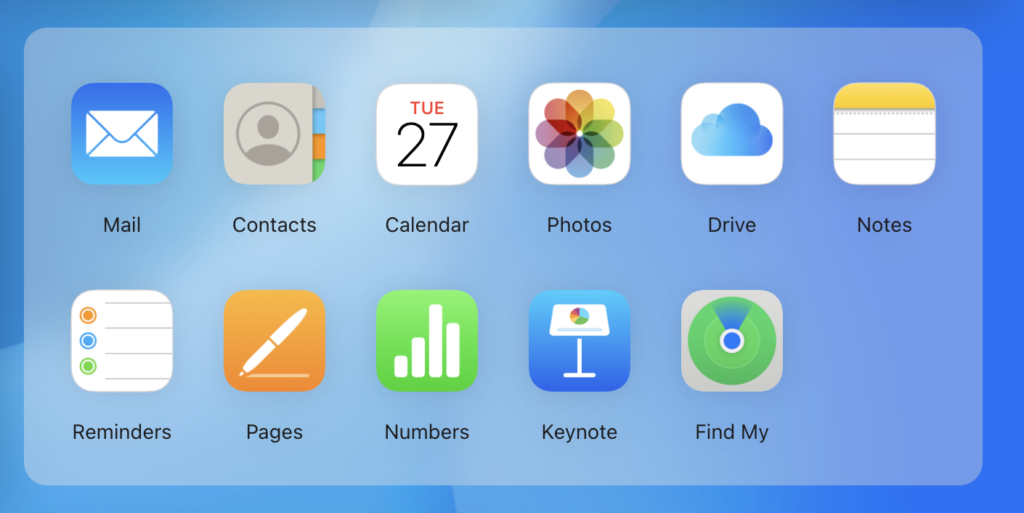
Using the web versions of these apps allows you to create and edit documents, spreadsheets, and presentations from any device with an internet connection. They offer most of the same features and functionality as the desktop versions, but may have some limitations or differences in terms of formatting and advanced features.
You can not only access Pages, Numbers, and Keynote, but you can also access the entire iCloud suite in your browser, allowing you to access all of your Apple content. Particularly useful for accessing photos for instance on a foreign device.
In fact you can even run the iCloud tools within Chromium on a Raspberry Pi:
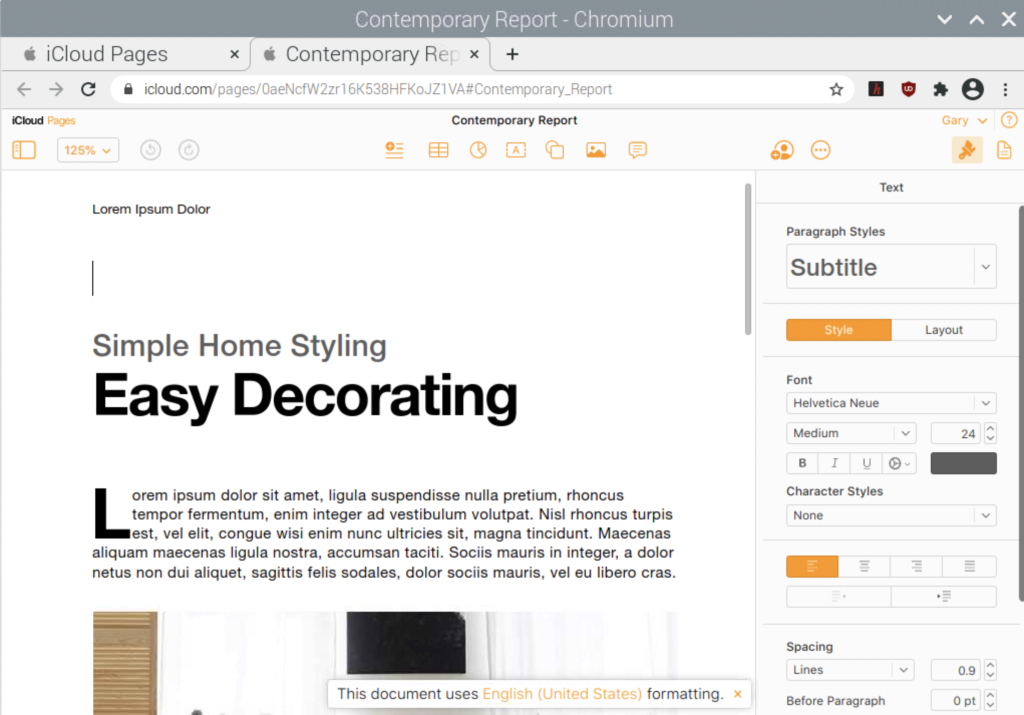
During my initial testing, I did get a warning the browser was not fully supported but was allowed to continue. This therefore may not be the neatest solution – but certainly something worth experimenting with.
User Experience
In the latest version, released in 2022, the icloud experince has been refined. Now we have a dashboard where we can access our Apple email, notes and reminders along with Pages, Numbers and Keynote. The developers have made the apps themselves more feature-rich, with a user experience that is more consistent with that of the desktop apps.:
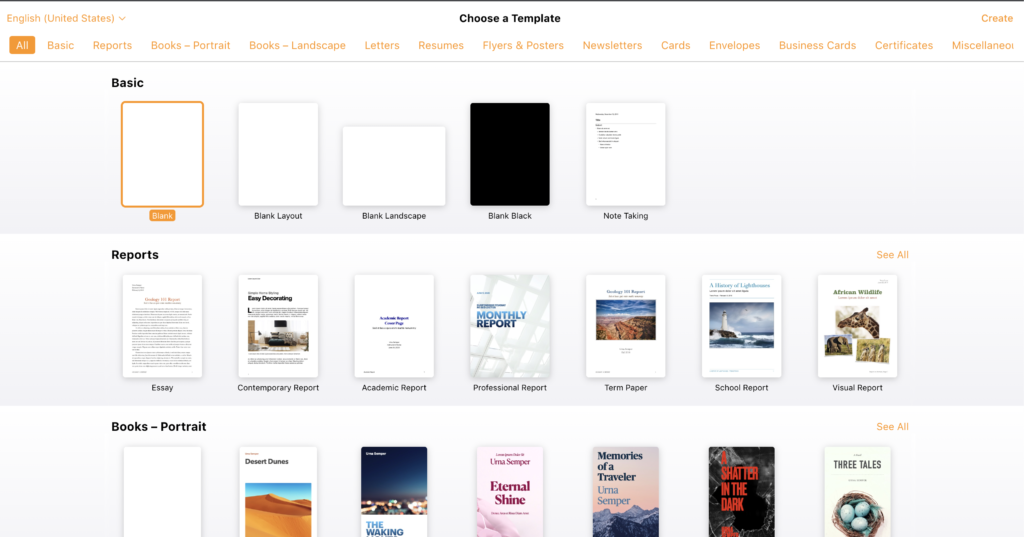
For me, the whole user experience has been vastly improved and refined. We have an Apple level of polish compared – which is completely difference to the Microsoft Office or Google Docs type experience. It’s not that this is better, it’s just different and will suit some users (especially those used to the Apple apps) more than others.
Why Consider Running The Apps in a Browser?
There are several reasons why you might consider running Pages, Numbers, and Keynote from a browser:
- Convenience: Being able to access these apps from any device with an internet connection allows you to work from anywhere, on any device. This is especially useful if you don’t have a Mac or iOS device, or if you prefer to use a different operating system.
- Compatibility: The web versions of these apps are compatible with most modern web browsers. You don’t have to worry about compatibility issues if you’re using a different operating system.
- Cost: The web versions of these apps are free to use, as long as you have an iCloud account. This is a cost-effective option if you don’t want to pay for a subscription to the full Office 365 suite or if you only need basic productivity tools.
I tend to use Apple devices for my own stuff – such as working on this website. Whereas these days I use a Windows 10 device in my day to day job. Accessing iCloud via the browser allows me to make the odd personal note, or access files whilst at work. This makes sure I don’t forget anything important and allows me to focus on the work task in hand.
This kind of work situation is not uncommon – when talking with work colleagues you may wish to show them a photo, or remember something you’d made a note of outside of work. This isn’t slacking off, but part of the way we communicate and collaborate, blending our personal and working experiences together.
No Responses