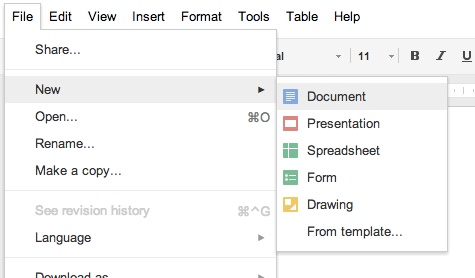
Google Docs has recently become my go to word processor for drafting blog posts. This enables you to start a post on phone, update on a tablet (both through Google Drive) and then finish off on a laptop. More often than not though I create my posts on a laptop – as a real keyboard is easier to work with.
With its simplified set of browser based tools getting words on a screen has never been easier. It automatically saves as you go along so you are never in the position of losing lots of work if your phone, tablet, computer or even internet connection fails. Lets not forget that it is entirely free.
When copying content from Google Docs to WordPress much of the formatting is transposed without a hitch. Lists work well as do Links but Bold formatting doesn’t – so that is best avoided. Creating posts in Word is not so great because when you copy the finished piece some other formatting can get copied too.
Having recently moved blog content from one domain to another the blog posts that were drafted in Google Docs were the easiest to move. The web application also provides a much needed form of backup so in the event of a failure it is possible to recreate your posts. A regular backup of your site is much better but this could get you out of a sticky situation.
If you find that you collaborate with another writer (or someone else edits) then you can share your Google Document with them so that they can make the necessary edits, tweaks or write chunks that you have left for them.
It’s taken me a little while to get into using Google Docs. I’ve found that it is worth putting in some effort as it is a straight-forward drafting tool which doesn’t cost a penny.
No Responses