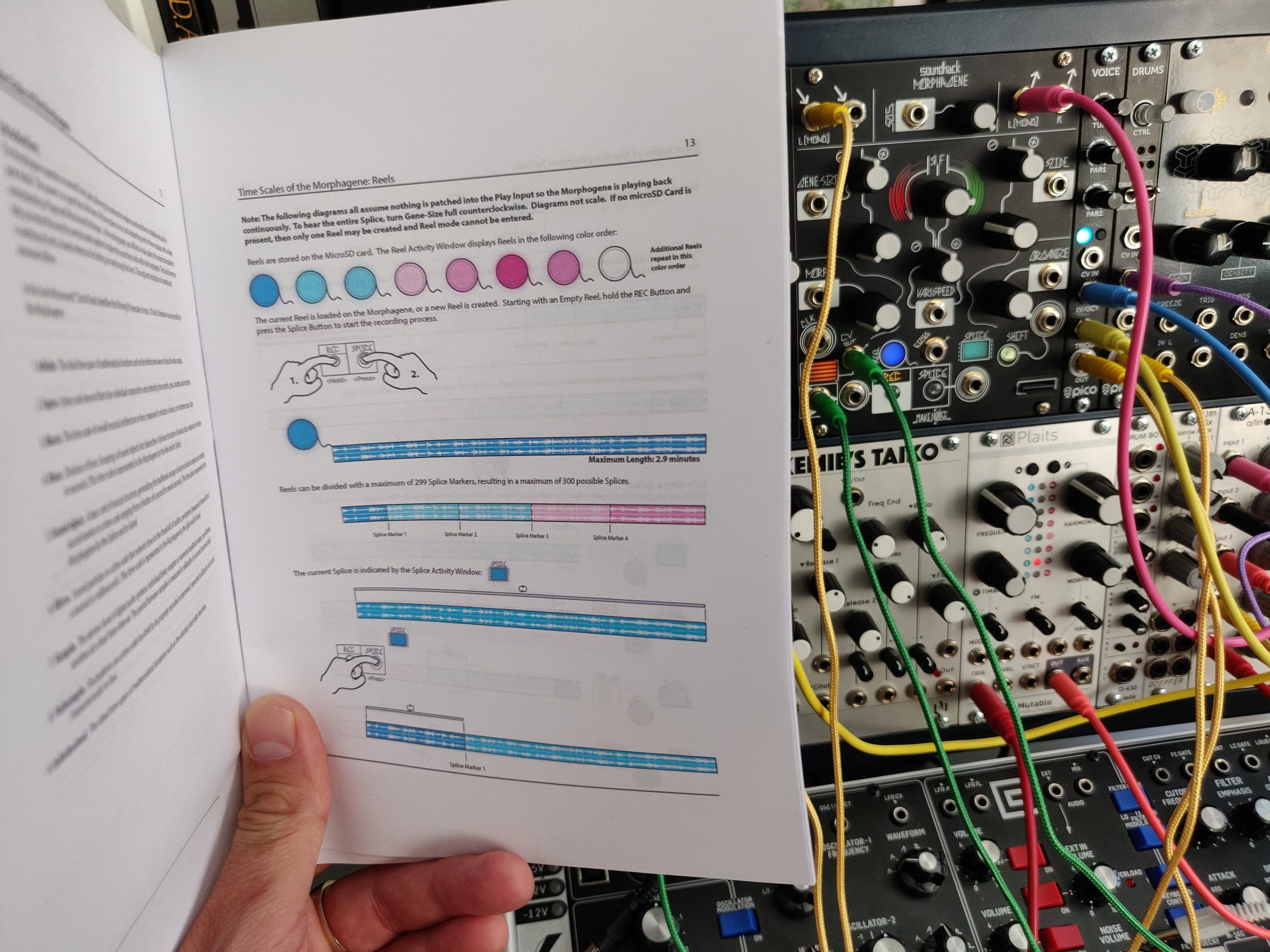
Reading manuals is a core part of getting to know complex technology (along with watching YouTube tutorial vids). And, whilst it is always possible to read the PDF manuals on screen, who really wants to use a computer, phone or tablet whilst they are in the midst of getting to know their gear??? I have grown so fed up with repeatedly downloading the same manuals I’ve started printing manuals of my own.
Printing Manuals? Isn’t That a Waste?
So, I’m a conscious of waste as the next person. I take care to recycle and re-use a bunch of materials for a myriad of purposes that would be wildly off topic for this post. As a consequence I’m concerned about the unnecessary printing and using up paper and ink which could be put to some other use. With this in mind, I’m printing all my manuals in Booklet format.
Printing Manuals in Booklet Format
Printing manuals out in booklet format appears to be most easily achieved when printing PDF documents. This is an option for Windows and Mac users and provides a neat format which reduces the amount of paper and produces a handy manual for future reference.
To print a booklet, you first need a printer which can handle double sided printing. The printer I use is the Epson WF-3720 as it’s an affordable multi-function device which creates acceptable print outs with compatible cartridges (massively reducing the running cost but at the expense of print out quality).
When printing in booklet – just make sure to select the option. For Windows users, this appears on the main screen of the printing options.

And for Mac OS, you need to go to the section and change the two-sided option to ‘Booklet’:

Now check the page order and fold the entire bundle of pages in two. This will give you a suitably sized manual for lots of future reference:

No Responses